
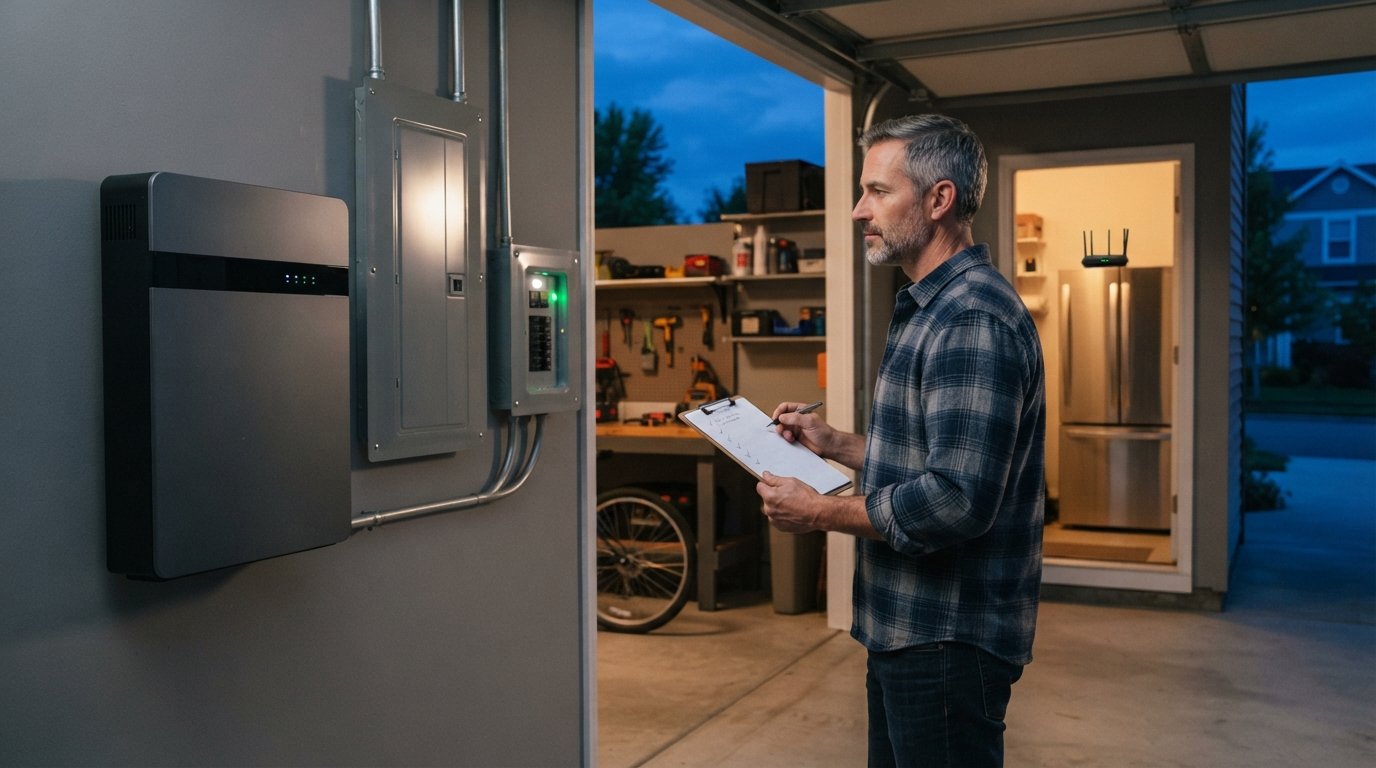
Home Solar Battery Sizing Based on Backup Needs
Size your solar battery for outages with confidence. Call (833)-212-3715 for expert guidance on home solar battery sizing based on backup needs.

By Caleb Hayes
Learn more about Solar Panel Installation and Repair for guides, costs, and what to expect.
Compare Solar Panel Installation and Repair Pros Near You

Enter your ZIP code to compare top-rated local professionals and request free quotes.
When the grid goes down, the size of your solar battery determines whether you keep the lights on, the refrigerator humming, and the Wi-Fi running, or whether you are left in the dark. Sizing a battery for backup power is not about buying the biggest unit you can afford; it is about matching capacity to your critical loads and the duration of outages you want to ride out. In this guide, we will walk through the key factors that drive home solar battery sizing based on backup needs, so you can make an informed decision and avoid overspending or coming up short when it matters most.
Start With Your Critical Loads, Not the Battery Spec Sheet
The first step in any backup sizing exercise is to list the devices and systems you absolutely need during an outage. Most homeowners overestimate what they need and underestimate how much power those items draw. A practical approach is to divide your home into essential and non-essential loads, then calculate the watt-hours each essential load requires per day.
For example, a refrigerator might use 1,500 watt-hours per day, a few LED lights and a router another 500 watt-hours, and a sump pump or medical device could add 1,000 watt-hours or more. Add these up and you get a baseline daily energy requirement. Then multiply by the number of days you want to be self-powered. If you want two days of backup, you need at least twice that baseline. This simple framework keeps the sizing grounded in real usage rather than marketing claims.
It also helps to account for surge power, not just continuous draw. Motors in refrigerators, well pumps, and HVAC systems can draw two to three times their running wattage for a few seconds at startup. A battery with a high continuous output but a low surge rating may trip offline when a large appliance kicks on. Check both the continuous and peak power ratings of any battery you consider.
- Essential loads: refrigerator, lights, internet, phone charging, medical equipment.
- Surge loads: well pump, furnace blower, garage door opener, microwave.
- Non-essential loads: electric range, clothes dryer, pool pump, EV charger.
Once you have this list, you can decide whether to back up the whole home or just a subpanel. That decision drives the next major sizing consideration.
Whole-Home Backup vs. Essential-Load Backup
Whole-home backup means the battery can power every circuit in your house, including large appliances, as long as the load stays within the battery's output limits. This approach offers maximum convenience but requires a larger battery and often a smart panel or transfer switch to manage loads. Essential-load backup, by contrast, powers only a dedicated subpanel with the circuits you choose. It is more affordable and often more than enough for typical outages.
Which one is right for you depends on your outage history and comfort level. If you live in an area with frequent, short outages, an essential-load setup with 10 to 15 kWh of usable capacity may suffice. If you face multi-day outages from storms or wildfire-related shutoffs, you may want 20 kWh or more, or a whole-home system that can be throttled to extend runtime. Keep in mind that battery capacity is not the same as usable capacity; most lithium-ion batteries can be discharged to 80 or 90 percent depth of discharge, so a 10 kWh battery might deliver 8 to 9 kWh of usable energy.
Another factor is future expansion. Modular batteries let you start with a smaller system and add units later. That flexibility can be valuable if your backup needs change, for example if you add an electric vehicle or a home office. When comparing quotes, ask installers whether the inverter and wiring can accommodate additional batteries without a full replacement. For a deeper look at how battery storage lowers bills and supports backup, see our guide on what a solar battery storage system is and how it works with your solar panels.
How Winter Solar Production Affects Recharge Expectations
Many homeowners assume that because they have solar panels, the battery will always recharge during an outage. In reality, winter conditions can significantly reduce solar production. Shorter days, lower sun angles, snow cover, and cloud cover can cut output by 50 percent or more compared to summer. If your battery is sized for two days of autonomy based on summer production, you may get only one day in December.
To account for this, size your battery with a buffer. A common rule of thumb is to add 30 to 50 percent extra capacity if you rely on solar to recharge during winter outages. Alternatively, you can plan to conserve energy during outages by turning off non-essential loads and using the battery more strategically. Some inverters offer time-of-use or backup-only modes that prioritize essential circuits, which effectively stretches your stored energy.
It is also wise to check the battery's operating temperature range. Lithium iron phosphate (LFP) batteries generally perform better in cold than older chemistries, but extreme cold can still reduce usable capacity. If you live in a cold climate, ask your installer about heated battery enclosures or indoor installation options.
Stacking Multiple Batteries vs. One Large Unit
When you need more capacity, you can either add multiple smaller batteries or choose a single larger unit. Both approaches have tradeoffs. Stacking multiple batteries, often called modular or rack-mounted systems, offers redundancy: if one unit fails, the others can still provide power. It also allows incremental expansion and can make installation easier in tight spaces. However, multiple units may require more wiring, more space, and potentially more complex monitoring.
One large unit simplifies installation and may have a lower cost per kWh, but it offers less redundancy and can be harder to expand later. It also may have a higher minimum output that is inefficient for small loads. For example, a single 20 kWh battery might have a standby draw that is higher than a pair of 10 kWh units operating in parallel. Consider your priorities: redundancy and expandability versus simplicity and upfront cost.
If you are planning a move in the near future, keep in mind that battery systems are generally not portable. If you are relocating, you may want to factor in the cost of leaving the battery behind or choose a modular system that can be partially relocated. For resources on planning a move, including checklists and professional moving services, visit Moving.Homes.
Putting It All Together: A Sizing Framework
To size your battery confidently, follow a structured process that ties backup goals to capacity. Start by calculating your essential daily energy use in kWh. Then decide on your desired outage duration and apply a winter buffer if needed. Next, choose between whole-home and essential-load backup, and select a battery chemistry and configuration that matches your climate and expansion plans. Finally, confirm that the inverter and balance-of-system components can support your chosen capacity.
- Calculate daily essential load: List critical appliances and their daily watt-hours, then sum them.
- Set outage duration goal: Decide how many days of autonomy you want (e.g., 1, 2, or 3 days).
- Apply a winter buffer: Add 30 to 50 percent capacity if you rely on solar recharge in winter.
- Choose backup scope: Whole-home or essential-load subpanel.
- Select configuration: Single large unit or multiple stacked batteries based on redundancy and expansion needs.
This framework helps you avoid both undersizing, which leaves you vulnerable during long outages, and oversizing, which wastes money on capacity you rarely use. It also gives you a clear basis for comparing quotes from installers, because you can ask specific questions about usable capacity, surge ratings, and winter performance.
Remember that battery sizing is not a one-time decision. As your household changes, your backup needs may change too. A modular system that can grow with you is often the most future-proof choice. And if you are considering solar plus storage, our guide on how solar battery storage lowers bills can help you see the full financial picture.
Common Sizing Mistakes to Avoid
Even with a solid framework, homeowners often make predictable mistakes. One is confusing battery capacity in kWh with power output in kW. A battery with plenty of energy storage but low power output may not be able to run your well pump and refrigerator at the same time. Another is ignoring depth of discharge: a 10 kWh battery may only give you 8 kWh of usable energy, so plan accordingly.
Another common error is failing to account for efficiency losses. Inverters and wiring lose some energy in conversion, typically 5 to 10 percent. So if you need 10 kWh of delivered energy, you may need to draw 11 kWh from the battery. Finally, some homeowners forget to include the cost of a critical-load subpanel or smart panel in their budget. These components can add several thousand dollars to the project, so factor them into your comparison.
By avoiding these pitfalls and using a disciplined sizing approach, you can choose a battery that delivers reliable backup without breaking the bank. And when you are ready to compare quotes, NewSolarQuotes can connect you with certified installers who can validate your sizing calculations and recommend the right equipment for your home.